MySigMail vs Exclaimer: SMB Simplicity vs Enterprise Centralized Control
TL;DR
Exclaimer is a centralized platform for Microsoft 365, Google Workspace, and Exchange. It can deploy signatures server-side, client-side, or both, with IT controlling templates, rules, directories, and compliance. Exclaimer also supports QR elements from Standard and personalized vCards on Pro, but its public documentation describes those as signature elements rather than a separate hosted digital business card page. MySigMail is client-side and adds a hosted Business Card with QR and vCard download from Plus. For a 50-person SMB, MySigMail Pro costs $24.99/month flat. Exclaimer for the same team runs $45-$87.50/month on public annual-billed plans, depending on tier.
The fundamental difference: client-side vs server-side
This is the most important distinction between these two tools — and it affects everything else.
Exclaimer (centralized): Signatures are managed from Exclaimer and deployed through Microsoft 365, Google Workspace, or Exchange. In server-side mode, signatures are applied after send by the mail flow. In client-side mode, users can preview the signature while composing. Either way, IT controls the rollout and setup requires admin access to the mail platform.
MySigMail (client-side): Each person installs their signature directly into Gmail, Outlook, or Apple Mail via copy-paste. The admin creates the template and sends a personalization link — each employee opens the link, fills in their own name and details, copies the signature, and pastes it into their email client. No IT required.
Neither approach is universally better. The right one depends on your team size, IT structure, and how much control you need.
Pricing comparison
Exclaimer
Exclaimer uses per-user pricing billed annually, with a minimum of 10 users across all plans.
| Plan | Price per user/mo | 10 users | 25 users | 50 users |
|---|---|---|---|---|
| Starter | $0.90/mo | $9/mo | $22.50/mo | $45/mo |
| Standard | $1.45/mo | $14.50/mo | $36.25/mo | $72.50/mo |
| Pro | $1.75/mo | $17.50/mo | $43.75/mo | $87.50/mo |
| Enterprise | Custom | — | — | — |
Prices billed annually. Minimum 10 users required.
MySigMail (flat rate)
| Plan | Price | Signatures | Key features |
|---|---|---|---|
| Free | $0/mo | 1 | Templates (browse only), basic fields |
| Basic | $2.99/mo | 1 | Full customization, add-ons, image hosting |
| Plus | $9.99/mo | Up to 10 | Everything + analytics + Digital Business Cards |
| Pro | $24.99/mo | Up to 50 | Everything + personalization links |
| Unlimited | $99.99/mo | Unlimited | All features |
20% off with annual billing. No per-user charges — ever.
For a 50-person team: MySigMail Pro at $24.99/month vs Exclaimer Starter at $45/month. MySigMail's flat rate means the gap widens as your team grows — and you never pay per-user.
Note: Exclaimer's minimum is 10 users. For teams under 10, you still price against that minimum.
Feature comparison
| Feature | MySigMail | Exclaimer |
|---|---|---|
| Pricing model | Flat rate | Per user / month |
| Free plan | Yes (no credit card, no time limit) | Free trial only |
| Deployment | Client-side (copy-paste per employee) | Centralized: server-side, client-side, or both |
| Microsoft 365 integration | No | Yes |
| Google Workspace integration | No | Yes |
| Exchange integration | No | Yes |
| Employee self-install required | Yes — via personalization link | No for centralized rollout; users may preview in supported clients |
| IT admin required for setup | No | Yes |
| Setup time | Minutes | Admin configuration required |
| Department-level signature control | No | Yes |
| A/B testing for banners | No | Pro and above |
| Click analytics | Plus and above ($9.99/mo) | Pro and above |
| Hosted digital business card | Plus and above | No dedicated hosted card documented |
| QR code | Included with the hosted card | Standard and Pro signature element |
| Personalized vCard | Downloadable .vcf from the card | Pro only; opened from the signature QR |
| Legal disclaimers | Manual (via add-on) | Automated per department |
| SSO / SAML | No | Yes |
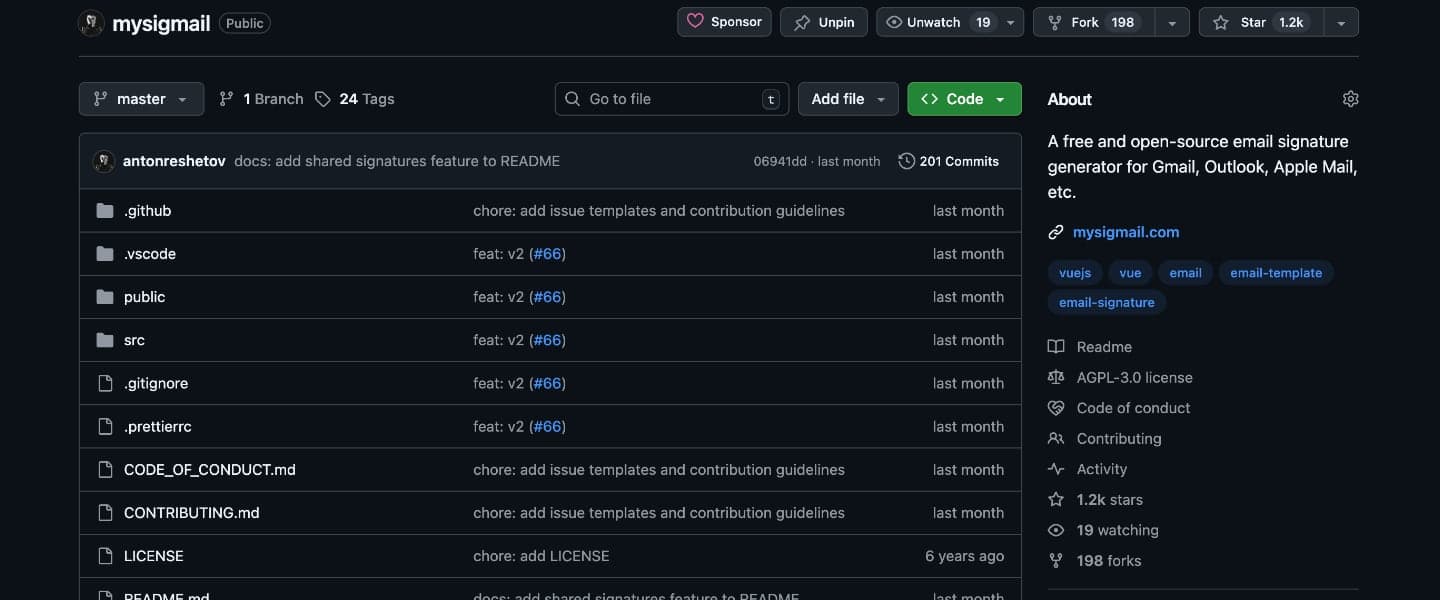
| Open source | Yes (1,515 ⭐ on GitHub) | No |
| G2 ease of setup | 9.9 / 10 | — |
Digital business card and vCard workflow
Exclaimer's plan documentation lists QR Codes in Standard and Pro and Personalized vCards in Pro. Its vCard guide describes a QR element placed in the signature: the recipient scans it to open the sender's vCard. Exclaimer does not support attaching a .vcf file directly to the signature.
MySigMail instead publishes a separate mobile card page with its own URL. The QR opens that page, where the recipient can call, email, visit links, download the vCard or copy the card URL. Based on the publicly documented workflows, Exclaimer's approach is stronger when IT wants centrally generated signature QR/vCards, while MySigMail's is the more explicit hosted-card experience.
Who MySigMail is best for
- SMBs with 5–50 employees where each person can install their own signature
- Teams that want flat, predictable pricing that doesn't scale with headcount
- Founders, freelancers, and marketers who need professional signatures without IT involvement
- Companies that want click analytics without paying enterprise rates
- Teams comfortable with a personalization link model — one admin manages the template, employees fill in their own details
Who Exclaimer is best for
- Enterprises with 100+ employees where signatures must be enforced centrally
- IT-managed organizations with strict brand consistency and compliance requirements
- Microsoft 365 or Exchange heavy environments where server-side injection is a security or policy requirement
- Teams that need automated legal disclaimers appended per department or region
- Companies where the cost of server-side control is justified by scale and compliance
FAQ
Related articles


Recent Posts
Gmail Signature Too Long? How to Fix the Error
September 17, 2026
Why We Open-Sourced MySigMail Card, an HTML Email Builder
August 26, 2026
How to Create a Digital Business Card With a QR Code
August 14, 2026
How to Make a Phone Number Clickable in an Email Signature
August 7, 2026
Gmail Aliases: Different Signatures for New Emails and Replies
July 24, 2026