


Free email signature generator for you and your team
Make a signature you're happy to hit send with. Pick a template, add your details and paste it into Gmail or Outlook. No design skills needed.
- Free plan, no time limit
- All 102 templates included
- Gmail, Outlook, Apple Mail
Hi Jamie,
A home that matches what you were looking for just came on the market. Photos and showing times are right below.
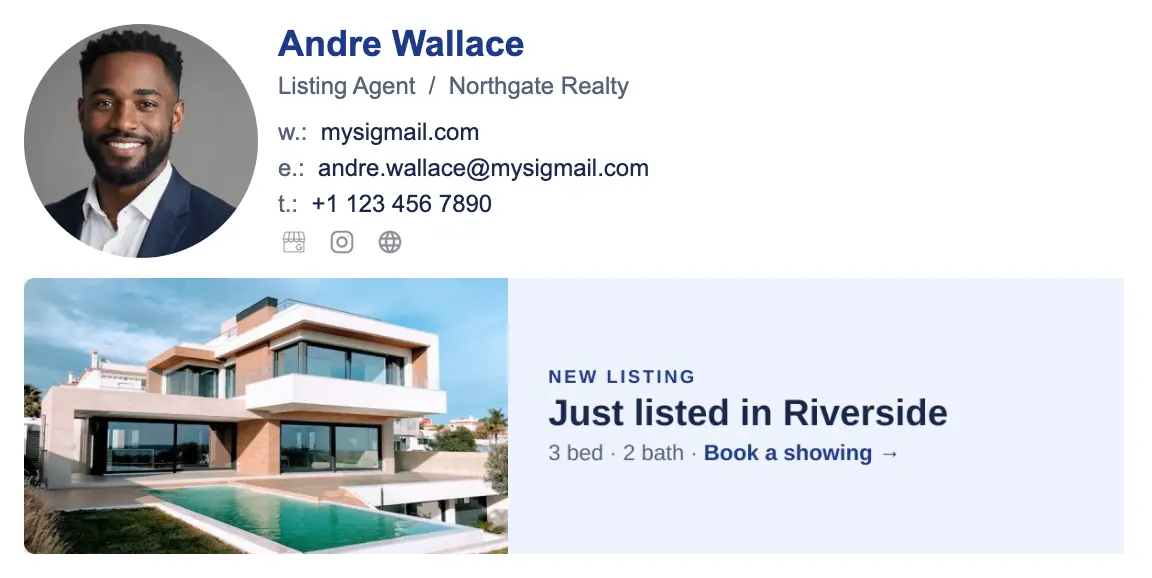
Your trust, our biggest number
- signatures created
- 800k+
- signatures shared
- 100k+
- active users
- 40k+
Ready in three steps
Pick a template
102 designs for real jobs, from coaches to realtors. All of them are free.
Browse email signature templates →Add your details
Name, photo, phone and links. You see the result change as you type.
Paste it into your email
Copy once and paste into Gmail, Outlook, Apple Mail or Office 365.
How to install in Apple Mail →
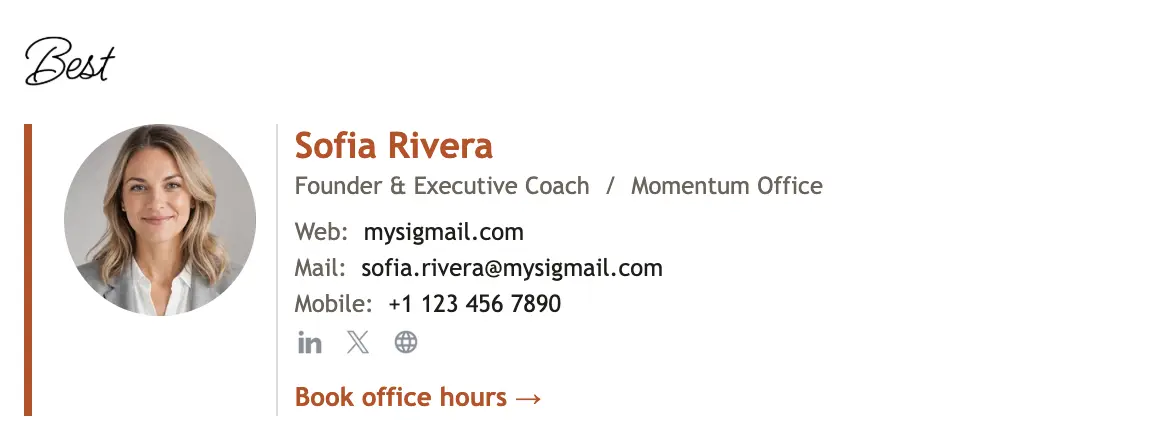
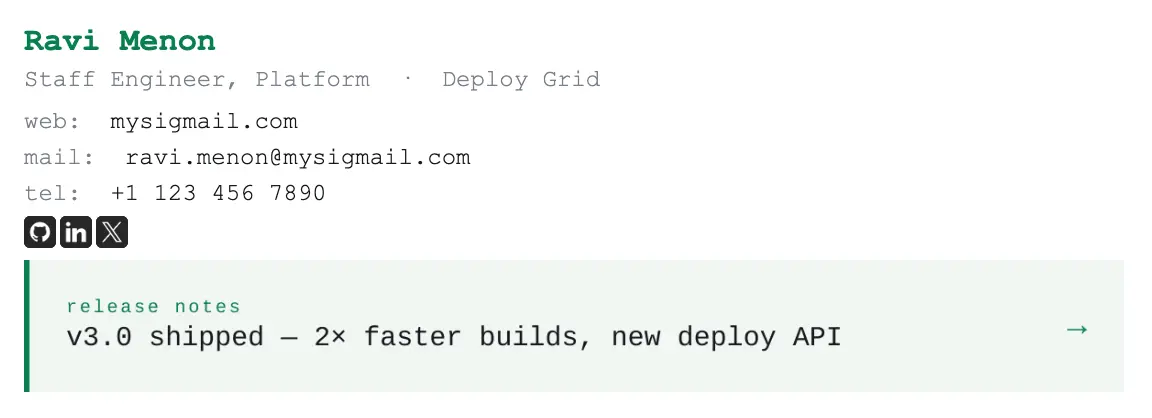
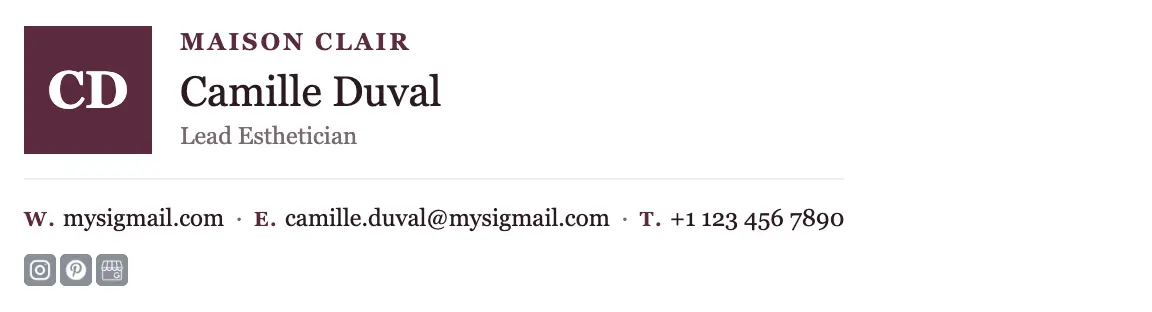
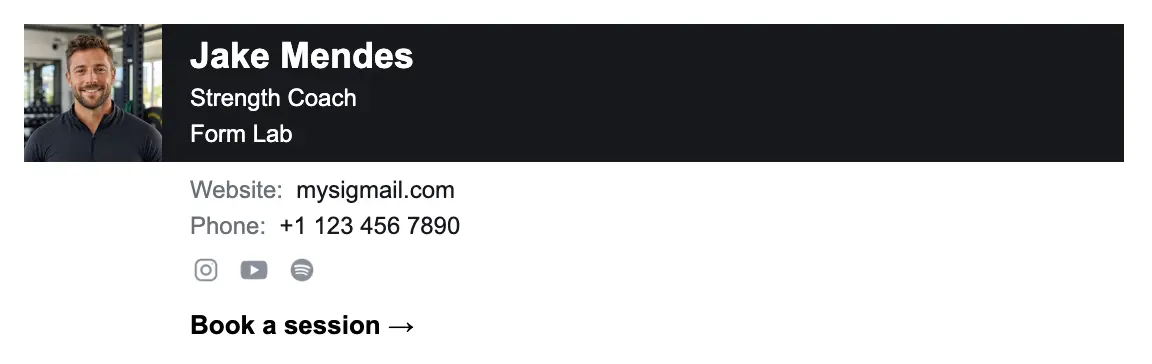
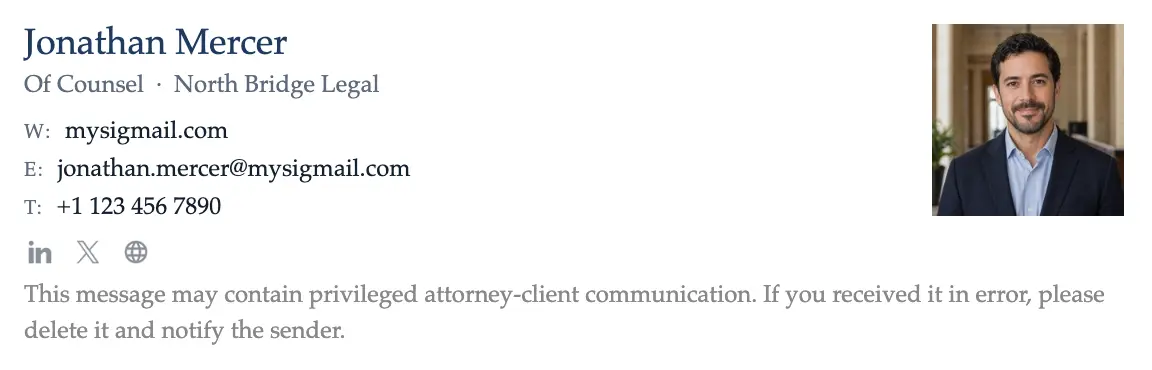
Find one that feels like you
Start from a design made for your kind of work, then change anything. Every template is free; logos, banners and buttons are add-ons on Basic and up.

Free to start. Extras when you want them.
The Free plan covers one signature with every template. Upgrade only for what you actually need.
Make it fully yours
Your colors and fonts, a logo, banners and buttons. MySigMail branding is removed.
See what people click
Track clicks on your signature links, get a digital business card, and make up to 10 signatures.
Bring your team along
Send one link. Each teammate adds their details and copies a matching signature. No accounts needed, up to 50 signatures.
People love sending it
“I love how quickly I can build out signatures for myself and my clients too. The clean and simple interface lets me quickly get my work done”
“Lots of ways to customize and tailor to exactly what you need with the free version and go premium for even more options”
“I have been supplying signatures for clients for ten years or more, and its always been a nightmare until I found MySigMail and things change straight away”
“I've spent hours trying various email signature generators. All of them were either broken, too bland, or behind an over-priced paywall. Coming across MySigMail was a godsend!”
“As someone who values professionalism and effective communication, this software has become an invaluable tool for managing email signatures”
“MySigMail has significantly improved my email branding and communication, and I highly recommend it to anyone looking to enhance their email experience”
“The app is super fun and intuitive and, because of that, now everybody can create an HTML signature and customize it to perfection!!”
“I love how easy it is to create my signature and the flexibility of the settings! It's overall a really solid site that's easily worth a lot more than they're charging”
“All the tools are fabulous, they are easy to use and very practical. I like being able to create an extremely professional presence and stay at the forefront with these tools”
“What I liked the most is that they offer many alternatives for signing, and compared to others, it is very economical. I recommend it and hope they grow”
At MySigMail, we believe everyone should have a choice. That’s why we invest in an open-source version — so developers, teams, and businesses can fully control, customize, and self-host their email signatures. OSS gives you flexibility and transparency without being locked into a subscription. Meanwhile, our SaaS platform delivers full convenience: hosting, analytics, multiple signatures, and advanced tools — all ready out-of-the-box.
Open source for freedom, SaaS for convenience
Check out the codeQuestions people ask
Is it really free?
Yes. The Free plan gives you every template and one signature with unlimited exports. Paid plans add more signatures, customization, analytics and image hosting.
Will it work in my email app?
It works with all major email clients, including Gmail, Outlook, Apple Mail, Office 365 and Yahoo Mail.
I'm not a designer. Is that a problem?
Not at all. Every template is ready to use. You fill in your details in a visual editor, no code involved.
Can my team use it too?
Yes, with flat-rate plans instead of per-user pricing. Plus covers up to 10 signatures, Pro up to 50, and Unlimited has no limit. On Pro and Unlimited, each teammate fills in their own details through one personalization link, no account needed.
What happens if I cancel my subscription?
You keep access until the end of your billing cycle. After that, your account switches to the Free plan with one active signature. Images hosted on MySigMail cloud are no longer available once the subscription ends.
Your next email could end better than this one
Free plan, every template, a few minutes of your time.