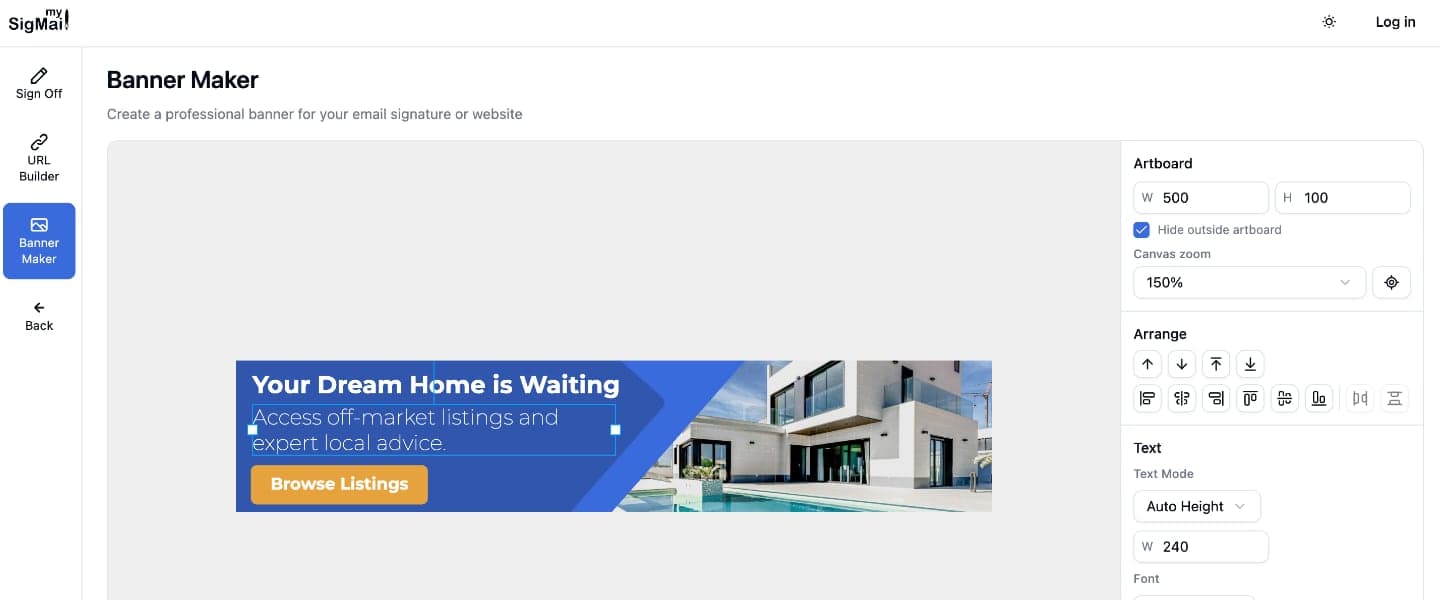
Email Signature Banner Maker: Create Banners Without a Designer
March 2, 2026
Need to create an email signature banner for a promotion, event, or product launch? You can make one yourself without waiting on a designer or learning Photoshop.
MySigMail Banner Maker is a free, browser-based email signature banner creator. No sign-up required. Add text, shapes, and images, then export your finished banner as PNG or JPG.
A full design editor, right in your browser
Banner Maker is not a template picker. It is a proper graphic editor with the tools marketers actually need:
- Text with full typography control. Choose from system fonts or Google Fonts like Inter, Roboto, and Montserrat. Set size, weight, letter spacing, line height, and alignment — all in a few clicks.
- Shapes that do more than decorate. Add rectangles, circles, polygons, and stars. Fill them with color, add borders, round the corners, or drop in an image. Every shape doubles as an image frame.
- Images from anywhere. Upload files from your computer or paste a URL. Fit images inside any shape with fill, contain, cover, or scale-down modes.
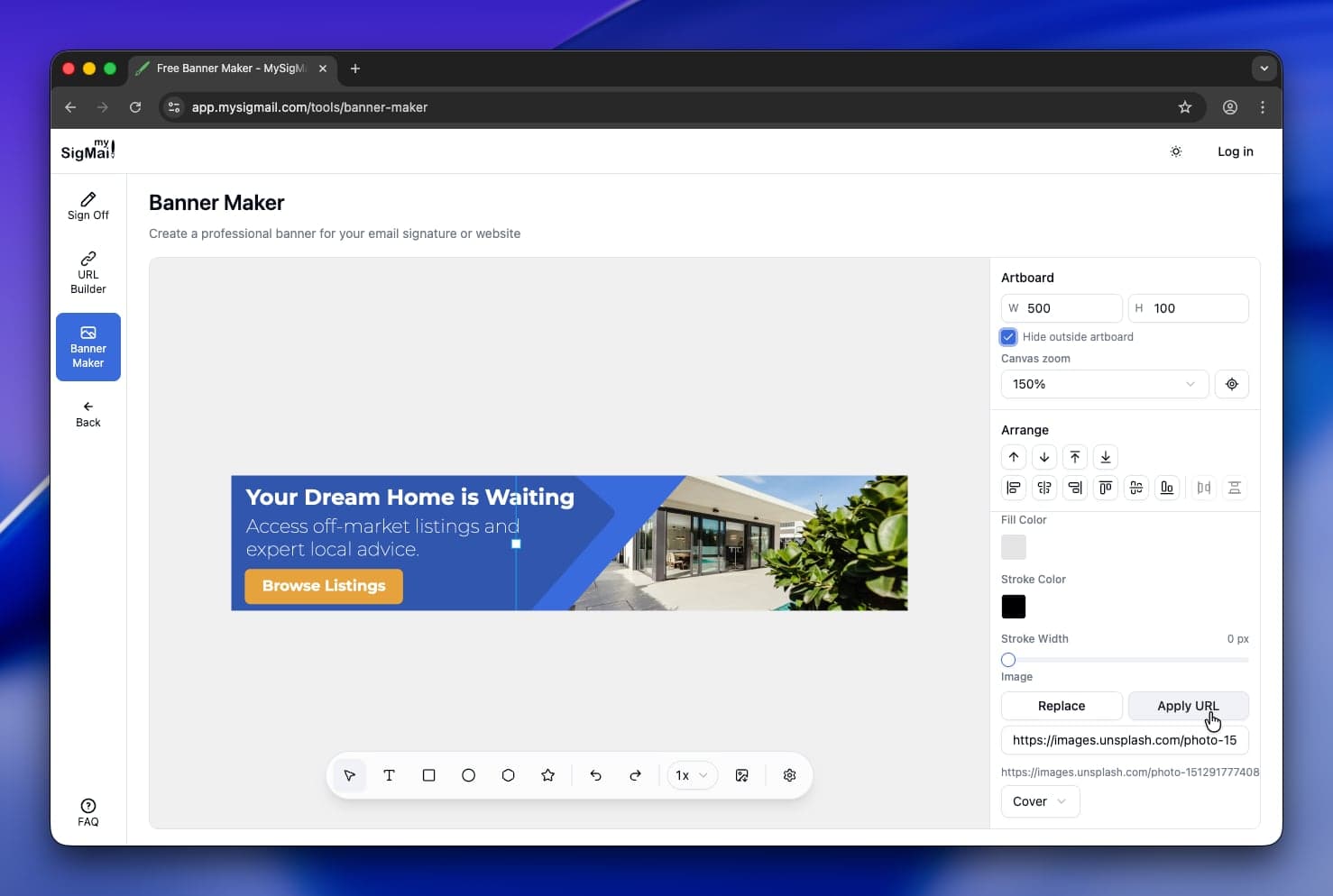
- Precise layout controls. Align objects to left, center, or right. Distribute them evenly. Snap guides appear automatically as you drag — so everything lines up without measuring.
Built for speed, not complexity
You do not need to learn a new design tool. Banner Maker works the way you expect:
- Pick your canvas size to match your needs.
- Add text, shapes, and images using the toolbar or keyboard shortcuts (T for text, R for rectangle, V for select).
- Style everything with the properties panel on the right — colors, fonts, borders, opacity.
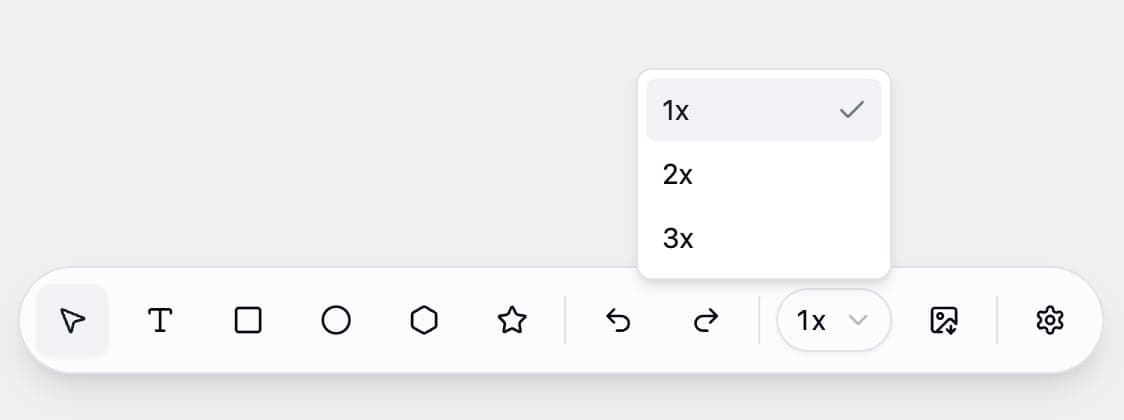
- Export as PNG or JPG at 1x, 2x, or 3x resolution. Done.
Your work auto-saves to your browser. Come back tomorrow and pick up where you left off. Need to share the file with a colleague? Export the project as JSON and import it on any device.
Why not just use Canva or Figma?
You could. But Canva pushes you toward templates and paywalls. Figma is built for UI designers, not quick banner jobs. Banner Maker sits in the sweet spot: powerful enough to get the result you want, simple enough to finish in minutes. And it is completely free — no account, no watermarks, no limits.
What you can build
- Promotional banners for email signatures, product launches, and seasonal sales
- Event announcements with dates and registration links
- Social media graphics and header images
- Brand awareness strips with your logo and tagline
- Personal CTAs — link to your latest blog post, podcast, or portfolio
Export as PNG or JPG, then drop the image into your email signature builder, website, social profile, or anywhere else.
Start creating — it is free
Banner Maker is available now at MySigMail. No sign-up, no paywall. Open it, design your banner, and export the image in under five minutes.



Recent Posts
Double-Spaced Email Signature? How to Fix the Extra Line Spacing
October 6, 2026
Gmail Signature Too Long? How to Fix the Error
September 17, 2026
Why We Open-Sourced MySigMail Card, an HTML Email Builder
August 26, 2026
How to Create a Digital Business Card With a QR Code
August 14, 2026
How to Make a Phone Number Clickable in an Email Signature
August 7, 2026